
Simplify Russell Garden Care with Digital Record Apps
Okay, Russell gardeners, let's have a chat. Is your go-to garden planner a slightly damp notebook with more soil smudges than actual words? Maybe pages stuck together with mystery sap? You're not alone! We love getting our hands dirty *in the garden*, but trying to remember if you fertilized the roses *last* week or the week before, or figuring out the perfect planting schedule for our unique Ottawa area climate can feel like juggling watering cans while riding a unicycle.
- Replace messy notebooks with easy-to-use garden apps for tracking tasks, plants, and schedules.
- Apps help manage Ottawa's specific climate challenges (Zone 5a/b) like frost dates and watering needs.
- Use features like photo logs and notes to learn from past successes and failures in your garden.
- Advanced tracking can promote eco-friendly practices like water conservation and integrated pest management.
- Choose an app that fits your needs, from simple reminders to detailed planning tools. Many free options are available!
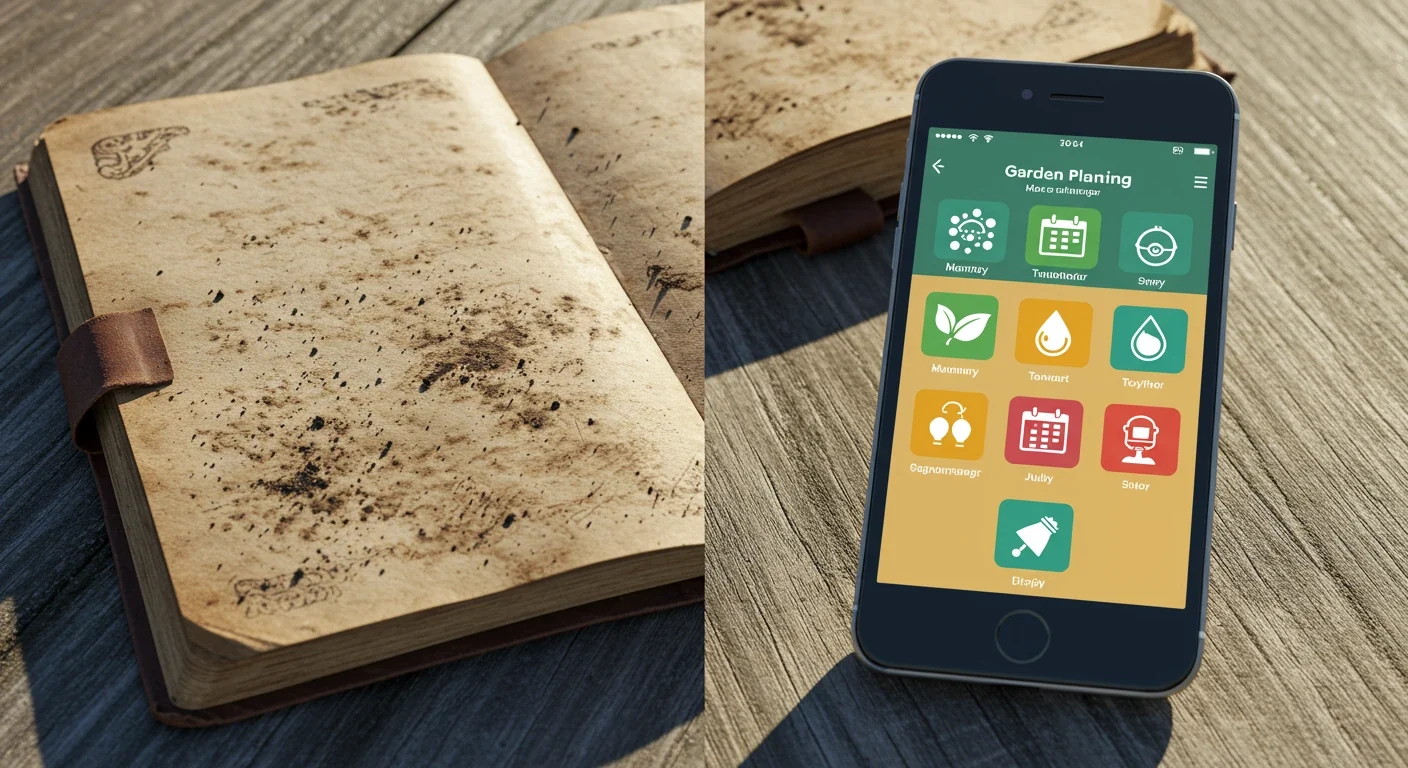
Keeping track of your beautiful blooms, vegetable patches, and landscaping projects, whether you're in Russell, Metcalfe, or closer to the city core, can be surprisingly tricky. Did you water the hydrangeas? What *is* that new plant popping up near the fence? When is the best time to prune that shrub *before* it takes over the pathway? It's enough to make your trowel spin!
But what if managing your garden could be as easy as checking the weather on your phone? Good news! Forget the frantic flipping through stained pages. There’s a whole world of simple, easy-to-use garden apps designed to help you organize tasks, identify plants, get watering reminders, and keep your little patch of green paradise thriving, leaving you more time to actually *enjoy* it. Let's explore how ditching the dirt-stained notebook for a digital helper can make your Russell gardening journey smoother and more successful.
The Russell Reality Check: Why Garden Tracking Matters Here
Let's be honest, gardening in Russell is fantastic. We get those beautiful summer days, the community vibe is great (check out local garden groups!), and seeing your hard work bloom is pure joy. But... (you knew there was a 'but', right?) our little corner of the Ottawa region, much like nearby Greely or Osgoode, throws some unique curveballs at our green thumbs. It's not *quite* the same as gardening down south or out west, and that's precisely why keeping good records is less of a chore and more of a superpower here.
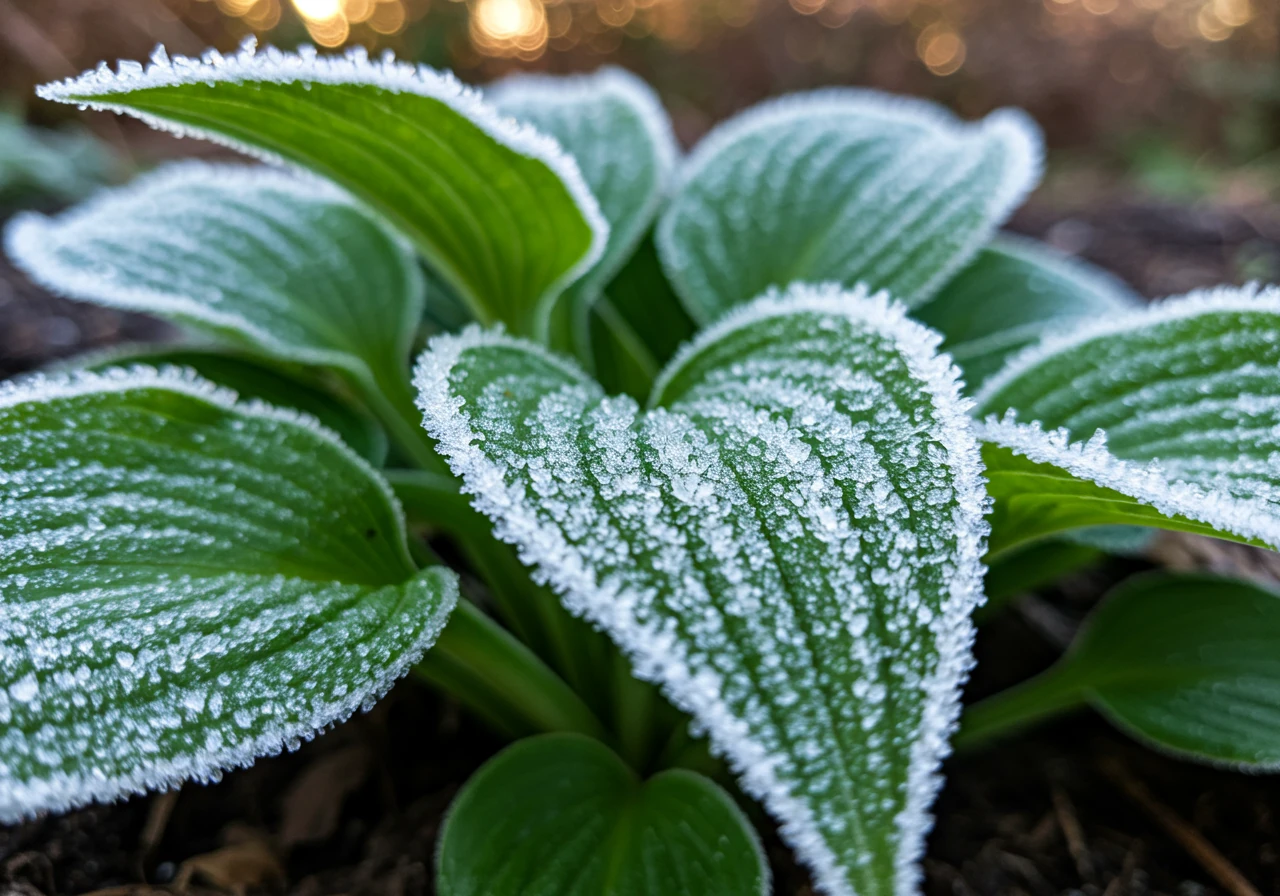
First off, our weather is… *enthusiastic*. We swing from bone-chilling winters that test plant hardiness to surprisingly hot and humid summer stretches. That short growing season means timing is crucial. Planting too early risks a late frost disaster, while planting too late means your tomatoes might still be green when the first autumn chill hits. And who can forget those occasional summer downpours or sudden thunderstorms? Keeping track helps you remember *exactly* when you planted those seedlings, which varieties survived last winter's deep freeze, and what steps you took after that unexpected deluge. If wild weather does hit, knowing your garden's baseline helps; you might find tips in an Embrun Storm Damage Garden Recovery Plan useful for bouncing back.
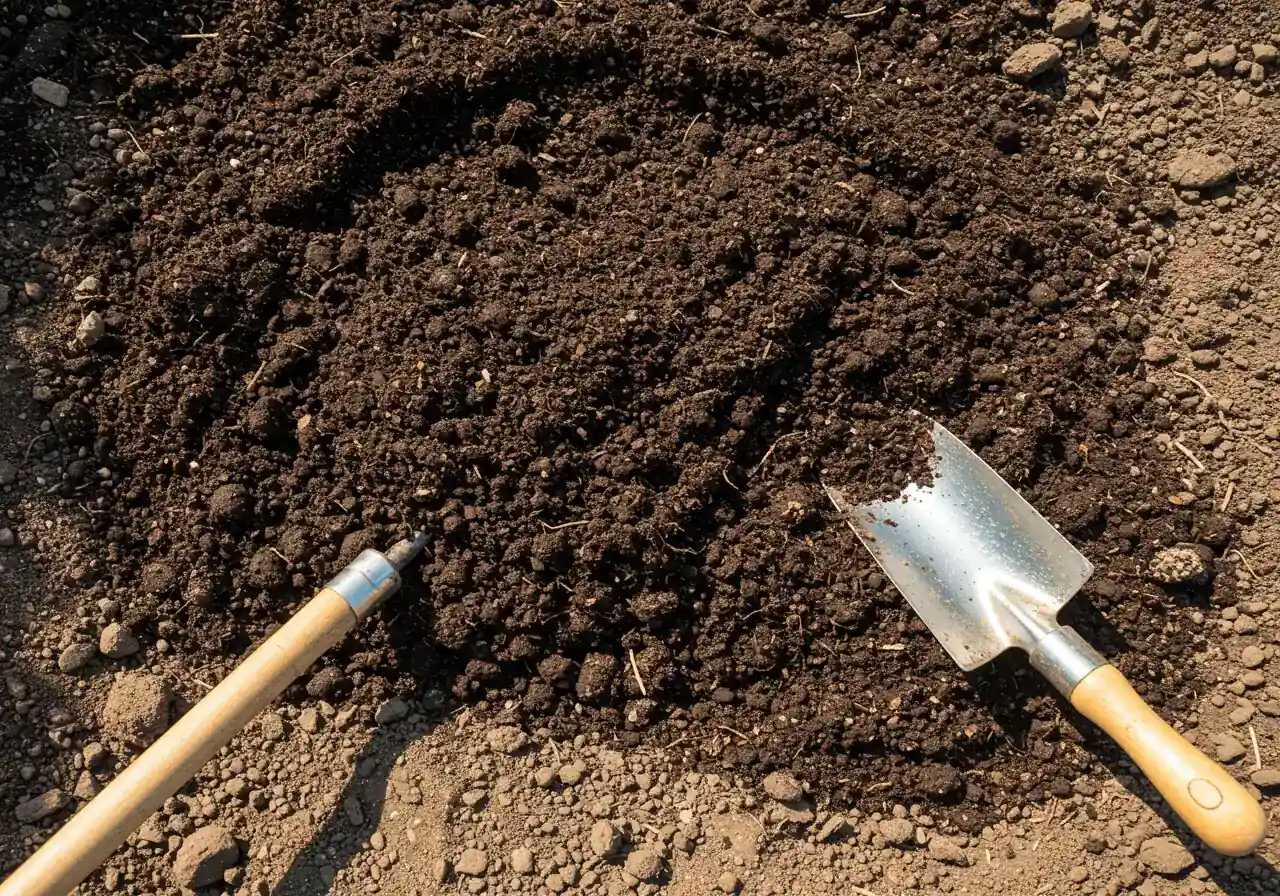
Then there's the soil. Many of us in the Russell area wrestle with heavy clay. While rich in nutrients, clay soil can mean drainage issues (hello, soggy roots!) or compacting into something resembling a brick in dry weather. Tracking what soil amendments you added, where, and when can make a *huge* difference year over year. Did adding compost to that one bed *really* help the drainage? Noting it down means you won't have to guess next spring. Getting the hang of it takes time, but exploring Russell Organic Lawn Care Clay Soil Summer Tips can provide some great starting points for managing that specific challenge. Check out resources from the City of Ottawa for more soil tips.
Our unique climate shifts also affect pests and water features. Knowing when certain bugs usually appear helps you stay vigilant. An Embrun Early Pest Scan for Garden Fall Damage Prevention strategy becomes much easier if you have notes from previous years. And if you have a beautiful pond or waterfall, you know our temperature swings impact water clarity and equipment. Keeping notes on pump maintenance or algae treatments, perhaps borrowing ideas from resources on Vernon Waterfall Care: Algae, Pump & Prevention, saves headaches later.
So, garden tracking here isn't about adding busywork. It’s about learning *your* specific patch of Russell land – its quirks, its challenges, its successes. It helps you make smarter choices next season, saving time, money, and frustration. It turns gardening guesswork into gardening know-how, perfectly tailored to our local conditions. And hey, if tracking feels like one task too many, remember there are always Professional Landscaping and Gardening Services available to lend a hand.
Your Green Thumb's Digital Upgrade: Benefits of Garden Apps

So, you love your garden, but sometimes keeping track of everything feels like trying to herd cats... very leafy, stationary cats. Between work, family, and maybe navigating the busy streets of Nepean or Barrhaven, remembering if you fertilized the peonies *this* month or *last* month can slip through the cracks. While that trusty (and possibly compost-stained) notebook has served well, garden apps offer a serious upgrade for the modern Ottawa gardener. Think of it as trading in your garden gnome for a garden *genie* in your pocket!
Why make the switch? Let's dig into the benefits:
- Organization Station: Forget flipping through pages! Apps let you create detailed lists of your plants, map out your garden beds, and jot down notes all in one searchable place. Wondering what you planted in that sunny spot last year? Just tap and search! No more deciphering muddy scribbles. This organized approach makes planning future Landscaping Transformations much easier too, as you can see your garden's history at a glance.
- Reminders That Actually *Remind* You: This is a game-changer. Set up alerts for watering, fertilizing, pruning, or even pest checks. The app nudges you *before* your tomatoes start looking thirsty or that shrub gets unruly. It’s perfect for keeping up with crucial seasonal tasks, like knowing when it’s prime time for services similar to an Embrun Property Cleanup Service to prep for winter, or scheduling your own version of a Marionville Garden Clean Up Service in the spring. Consistent care becomes effortless.
- Your Garden's Photo Diary: Snap pictures directly in the app to track plant growth, monitor for diseases, or celebrate successes! It’s incredibly helpful to look back and see how much those seedlings have shot up, or to show a picture of a mystery pest when asking for advice. Visual progress is super motivating and helps you plan future improvements or troubleshoot problems effectively. Good record-keeping can make ongoing Garden Maintenance more targeted and efficient.
- Information Hub: Many apps include built-in encyclopedias to identify plants, diagnose issues, and offer care tips tailored to your specific greenery. It's like having a gardening expert on call, 24/7. For local expertise, check out resources like the Friends of the Central Experimental Farm.
Here’s a quick comparison:
| Feature | Traditional Notebook | Garden App |
|---|---|---|
| Organization | Can get messy, hard to search | Centralized, searchable lists |
| Reminders | Relies on memory | Automated, timely alerts |
| Photo Log | Difficult, separate photos | Integrated, easy tracking |
| Accessibility | Need the physical book | On your phone, anywhere |
| Plant ID | Need separate guidebooks | Often built-in features |
Switching to a garden app doesn't mean you love getting your hands dirty any less. It just means you can spend less time stressing over *managing* the garden and more time *enjoying* it. And hey, if even with an app, things feel overwhelming, remember that professional Landscaping and Gardening Services are always an option to help keep your Ottawa oasis looking its best. Give a garden app a try – your slightly-less-stressed future self will thank you!
Explore App Features
Never Forget a Task Again
Set customizable reminders for watering, fertilizing, pruning, pest control, and more. Get notifications straight to your phone, ensuring your plants get the care they need, exactly when they need it. Perfect for busy schedules!
Identify Plants & Pests
Many apps offer built-in identification tools. Snap a photo of an unknown plant or a suspicious bug, and the app can help identify it and provide care or treatment advice. Some connect you with communities for tricky IDs.
Track Your Progress Visually
Keep a digital journal with notes and photos. Track plant growth from seed to harvest, document pest infestations, or simply capture beautiful moments. Looking back at your visual history is rewarding and informative for future planning.
Finding Your Perfect Plot Planner: Choosing the Right App
Okay, you're convinced! A garden app sounds way better than deciphering last year's muddy notes. But hold your hose – diving into the app store can feel like wandering into a massive greenhouse with *way* too many choices. How do you find the *perfect* plot planner for your patch of green, whether you're landscaping in Manotick or tending a balcony garden in downtown Ottawa? Don't worry, it's easier than wrestling a stubborn dandelion root (usually!).
Think of garden apps like garden tools – different ones are suited for different jobs. Some are simple task trackers, great for just remembering *when* to water or fertilize. Others are full-blown landscaping encyclopedias with plant identification, detailed layout planning, and maybe even features that help you plan your seasonal Soil Preparation. And some focus specifically on identifying that mystery weed that popped up overnight.
So, what should *you* look for? Here are the key features to consider:
- Plant Database & Local Smarts: Does it have a good library of plants? *Crucially*, can it adapt to our specific Ottawa climate (Zone 5a/b)? Generic advice won't help much when facing our chilly springs or humid summers. Look for settings where you can input your location.
- Task Management & Reminders: If forgetting is your foe, this is vital. Check if you can customize reminders for watering, fertilizing, pest checks, and other routine Garden Maintenance chores.
- Journaling & Photos: Want to track progress or remember what worked (and what didn't)? A photo log and notes section are invaluable.
- Garden Layout Planner: Planning a new bed or rearranging things? Some apps let you visually map your garden, which is super helpful for spacing and deciding where to add features like pathways that might need Mulching and Edging.
- Ease of Use: If the app feels more complicated than pruning shears, you won't use it. Look for an intuitive interface. Many offer free trials – use them!
- Cost: Apps range from free (often with ads or limited features) to one-time purchases or subscriptions. Decide what you're willing to spend based on the features you *really* need.
There are tons of apps out there – names like *Gardenize*, *Planter*, *Planta*, *From Seed to Spoon*, and *Moon & Garden* pop up frequently, each offering different strengths. One might excel at visual planning, another at simple reminders, and yet another might have a huge plant identification community.
The *best* app is the one that fits *your* gardening style and solves *your* biggest headaches. Start by identifying what you struggle with most. Is it remembering tasks? Planning layouts? Identifying pests? Then, try out a few free versions that seem to address that need. Don’t feel pressured to use the most feature-packed app if a simple reminder list is all you require. It's about finding the right digital trowel for your specific gardening job! Choosing the right tools and resources, much like finding reliable help (you can learn more About Us), makes all the difference.
Getting Started: Your First Digital Garden Entry (It's Easier Than Weeding!)
Okay, you've downloaded your chosen garden app! High five! Now, let's get your digital gloves dirty and make that first entry. Honestly, starting with a garden app is way less back-breaking than tackling a patch of stubborn weeds that decided your flower bed was *prime* real estate. Ready? Let's plant that first seed of digital organization.
- Fire It Up & Set Your Roots: First things first, open up your shiny new app. You'll probably need to create an account or profile. Before you speed through, it’s always a good idea to quickly check their Privacy Policy – just good practice to see how your information is used. The most *important* setup step? Tell the app where you live! Setting your location to Ottawa (or getting specific like Manotick or Richmond if the app allows) helps tailor advice for our unique Zone 5a/b climate and growing season. This makes the tips much more useful than generic ones!
- Introduce Your Green Crew: Time to add your plants! Don't feel overwhelmed; start simple. Got those lovely Hostas thriving in the shade, or maybe some hardy Coneflowers soaking up the sun near the walkway? Look for an "Add Plant," "My Garden," or similar section, often marked with a plus sign (+). Search for your plant's name (e.g., "Hosta 'Patriot'" or "Purple Coneflower"). Select it, and maybe add notes like where it is ("Backyard Bed Right") or the date you planted it. Some apps even let you track details from your Material Selection process, like the specific soil mix or mulch you used around it. Just add one or two favourites to begin with.
- Log Your First Good Deed: Did you just water the tomatoes or give the lawn bordering your garden beds a feed? Perfect! Find the "Log Activity," "Journal," or "Care Task" section. Tap to add an entry like "Watered vegetable patch thoroughly" or "Fertilized roses - July 15th". Some apps let you attach photos – snap a quick picture! This creates a fantastic visual diary. It’s also a great place to keep notes on Lawn Care too, especially if your garden efforts tie into keeping the surrounding turf healthy.
- Set It and (Don't) Forget It: This is where the magic happens! Let's try the reminder feature. Do your Hydrangeas get thirsty and need a good soak once a week during dry spells? Navigate to the plant's profile or the app's main reminder/task area. Set up a recurring task like: "Water Hydrangeas - Every Friday Morning". Boom! The app will now give you a friendly nudge, taking one more thing off your mental to-do list.
That’s it – your first digital garden entry is officially planted! Like tending any new seedling, using the app gets easier with practice. Keep adding your plants, logging your watering and fertilizing wins, and setting those helpful reminders. Soon, it'll feel like second nature, helping you manage day-to-day tasks and even letting you plan or schedule bigger tasks like a spring Property Clean Up more effectively. Happy digital gardening!
Visualizing Garden Activity
Apps can help visualize your efforts. Imagine tracking tasks completed over a season:
(Example data: Percentage of planned tasks completed)
Level Up Your Log: Advanced Tracking & Eco-Friendly Practices
Alright garden gurus, you've mastered the basics of digital garden tracking – logging plants, setting reminders, snapping photos. Feeling pretty good, right? But what if your app could help you become not just an *organized* gardener, but a super-savvy, eco-conscious one too? Let's get nerdy (in a fun way!) and explore how advanced tracking features can boost your gardening game while being kinder to our little slice of Ottawa paradise.
Digging Deeper: Soil Secrets & Compost Power
Your soil is the foundation of everything! Some apps let you go beyond just noting "added compost." You can track:
- Soil Test Results: Log your pH and nutrient levels. This tells you *exactly* what your soil needs (or doesn't!).
- Amendments Added: Keep a running tally of compost, manure, or other soil conditioners you've mixed in. Check out resources from the Rideau Valley Conservation Authority for local soil health tips.
- Observation Notes: Did that section become less waterlogged after adding compost? Note it down!
Eco-Benefit: Tracking helps you build healthier soil over time. Healthy soil needs less synthetic fertilizer and holds water better. By logging your composting efforts, you see the direct benefit of turning kitchen scraps and yard waste into black gold for your garden, reducing landfill waste *and* reliance on store-bought products. It's a win-win!
Pest Patrol: Smarter, Not Harder
Instead of reaching straight for the spray bottle, advanced tracking helps you practice *Integrated Pest Management (IPM)* – fancy words for being a garden detective! Use your app to:
- Log Pest Sightings: Record *what* bug (or disease) you see, *when*, and *where*. Photos are key here!
- Track Treatments: Note what you did – squished aphids? Used insecticidal soap? Released beneficial insects? Record the effectiveness.
- Monitor Trends: Does powdery mildew always show up on your squash in late July? Do aphids favour that one rose bush? Tracking reveals patterns.
Eco-Benefit: IPM focuses on prevention and using the least harmful solutions first. By tracking, you might notice a pest problem is minor and can be hand-picked, or that attracting beneficial insects works better than spraying. This drastically cuts down on pesticide use, protecting pollinators and keeping our local environment, from Barrhaven to the countryside, healthier.
Water Wisely: Every Drop Counts
Water conservation is crucial, especially during those dry Ottawa summers. Your app can be a powerful ally:
- Log Watering: Record how much and how often you water specific beds or plants.
- Rainfall Notes: Some apps integrate weather data, or you can manually note significant rainfall.
- Plant Performance: Track which plants wilt quickly and which seem unfazed by dry spells.
Eco-Benefit: Tracking prevents overwatering (which is bad for plants *and* wastes water). It helps you understand your garden's actual needs, encouraging practices like watering deeply but less frequently, using rain barrels, and choosing more drought-tolerant plants, including beautiful Ontario natives that are adapted to our climate. You might find that planning for a water-wise lawn using efficient methods, like those potentially discussed during a new lawn setup via Sod Installation, aligns perfectly with these goals.
Seasonal Smarts & Planning Ahead
Use your app's calendar or notes for long-term planning. Whether you're in Winchester or Kars, timing is key:
- Schedule Seasonal Tasks: Plan *when* to start seeds indoors, transplant seedlings, divide perennials, or do major cleanups. Logging dates for services like a fall Metcalf Yard Cleanup Service or spring prep similar to a Marionville Property Cleanup Service helps you remember what was done and budget for next year. Using your app log to compare against scheduled work can also help ensure everything aligns, kind of like double-checking the fine print in our Terms and Conditions for total clarity.
- Crop Rotation: For veggie gardeners, tracking what was planted where helps plan rotation to prevent soil depletion and disease buildup.
By using these advanced features, your garden app transforms from a simple reminder tool into a powerful command centre for smarter, greener, and more successful gardening in the Ottawa area. Happy eco-tracking!
Quick Wins: Key Insights for Russell Gardeners
Alright, Russell green thumbs, feeling a bit overwhelmed by all the digital gardening talk? No worries! Here’s the dirt, distilled down to the essentials – think of it as the highlights reel for your busy gardening life:
- Simplify Your Scribbles: Ditch the damp, dirt-smudged notebook! Garden apps make tracking *way* easier. Keep plant lists, watering schedules, and fertilizing notes all in one tidy, searchable spot on your phone. Less guesswork, more growing!
- Conquer the Climate: Let's face it, gardening in the Ottawa area, whether you're in Russell or nearby Embrun, has its quirks (hello, Zone 5!). Apps help you master the timing for planting, get crucial watering reminders during dry spells, and remember what thrived *despite* last winter’s chill.
- Learn from Your Landscaping: Use photo logs and notes to track what worked wonders and what was… well, less successful. This personal garden diary makes future decisions smarter, whether you're troubleshooting a tricky spot or planning your next garden install.
- Garden Smarter & Greener: Apps can help you track soil health, monitor pests without immediately reaching for harsh chemicals, and conserve water more effectively. Providing detailed info is also super helpful if you work with pros – much like giving feedback on a service estimate helps ensure clear communication.
- Beyond the Blooms: Keep track of everything garden-related! Notes can help coordinate with neighbours about shared spaces, maybe even about cleaning up city property bordering your yard. And remember, appreciating help or good service, where a simple thank you goes a long way, fosters good gardening vibes all around!
Think of a garden app as your handy digital trowel – ready whenever you need it to make your Russell gardening journey a little smoother and a lot more rewarding. Happy planting!
A Year in Your Digital Garden Log
Early Spring (April)
Logged soil test results. Noted need for compost in clay beds. Set reminder for frost-sensitive seedling planting.
Late Spring (May)
Tracked planting dates for tomatoes & peppers. Started photo log for peony growth. Set weekly watering reminder.
Summer (July)
Logged first aphid sighting on roses, noted treatment (insecticidal soap) & effectiveness. Tracked rainfall during dry spell.
Fall (October)
Recorded bulb planting locations. Noted which perennials performed best. Scheduled reminder to book Fall Cleanup Service.
Frequently Asked Questions (From Your Neighbours in Vernon to Embrun!)
Great question! Most good apps let you set your location (Ottawa or even more specific, if possible) and gardening zone (we're generally Zone 5a/b). This helps tailor planting times and plant suggestions.
While apps give great general advice, *your* observations are still gold! Use the app's notes section to track what *really* thrives in your specific patch of clay or sandy loam. Did adding compost help drainage in that one spot in Greely? Log it!
Think of the app as a smart assistant, not the boss. It provides reminders and info, but you combine that with your local knowledge for the best results.
Totally understand! It’s smart to be mindful. Most reputable apps are focused on helping you garden, not selling your secrets.
Always take a peek at the app's Privacy Policy before you dive in. It should explain what data they collect and how they use it.
Many apps let you use them without sharing tons of personal info. You often don't need to share your exact street address, just your general climate zone.
Focus on apps that seem genuinely about gardening, not those asking for unrelated permissions on your phone.
Absolutely! Apps are fantastic for keeping track of your own tasks *and* scheduled services.
You can log dates for things like lawn aeration, fertilizing, or seasonal cleanups. This helps you remember what was done and plan for next year.
Think about scheduling reminders for key seasonal tasks. For instance, you could set a reminder in late summer to book a fall cleanup, perhaps getting quotes for something like a Metcalf Garden Clean Up Service well in advance.
Similarly, you could use it to track spring preparations, noting when you might want services comparable to a Marionville Yard Cleanup Service to get things ready for the growing season. It helps keep everything organized!
Good news! There are tons of great *free* garden apps out there. They often cover the basics like plant logging, reminders, and notes perfectly well.
Free versions might have ads or limit the number of plants you can track, but they're an excellent way to start and see if you like using an app.
Paid apps often offer more advanced features like detailed layout planning, extensive plant libraries with specific pest/disease info, or integration with weather stations.
Try a free one first! If you find you love it and want more bells and whistles (or just hate ads!), then consider upgrading. Often, the basic tracking is all you need.
You bet! While many focus on plants, the journaling and task reminder features work great for your whole yard.
Log when you last mowed, fertilized the lawn, or put down grub control. Set reminders so you don't forget!
You can even track bigger projects, like when you had tree pruning done or scheduled a major tidy-up. Knowing the date you handled big tasks, perhaps similar to arranging a City Yard Cleanup Service for major debris removal, helps with future planning and budgeting.
Think of it as your command centre for everything outside your back door!
Plant ID features are cool, but they aren't foolproof! Sometimes they get stumped, especially by sneaky weeds or subtle diseases.
Use the photo log! Snap pictures of the mystery plant or problem area. You can then show these photos to experienced gardeners (maybe at a local garden club like the Russell and District Horticultural Society?) or staff at a nursery.
Many apps have community forums where you can post photos and ask other users for help.
While the app helps *identify* problems, remember it doesn't *solve* them. If you're dealing with a particularly stubborn issue, like invasive weeds or significant disease cleanup in garden beds, you might still need specific advice or targeted help, perhaps even looking into what a City Garden Clean Up Service might cover for more difficult situations. The app is a great starting point for diagnosis!
Conclusion: Cultivate Simplicity in Your Russell Garden
So, there you have it! From ditching the soggy notebook to mastering our unique Russell climate challenges, garden apps are fantastic little helpers. They bring order to planting chaos, turn vague memories into useful data about your soil and pests, and even gently nudge you towards greener gardening habits. Think of it as swapping garden guesswork for garden genius, conveniently located right there on your phone! Cultivating simplicity means less stress about *when* you last fertilized and more time simply enjoying the birdsong and blooms in your beautiful Ottawa yard.
Whether you’re managing a sprawling space near Greely or a cozy balcony garden, these digital tools can streamline your efforts. And hey, if your diligent app tracking reveals that some tasks need a bit more muscle than you have time for – perhaps persistent weeds demanding dedicated City Garden Maintenance Services, or your log clearly showing it's time for a seasonal overhaul similar to a Metcalf Property Cleanup Service – remember professional help is always an option. For general sprucing up across the region, an Ottawa Yard Cleanup Service can also lend a hand. Give an app a whirl – you might just find your green thumb gets even greener! And if you have questions about how professional services can complement your newly organized, app-assisted gardening plan, feel free to get in touch with us.
Ready to Grow Smarter?
Okay, you've explored the digital tools that can help tame your garden to-do list. Pretty cool how your phone can remind you to water the petunias *before* they start looking sad, right? The idea isn't to replace your love for getting hands dirty, but to streamline the planning and tracking so you have more moments to just *enjoy* your beautiful patch of green. Think less chore time, more "ahhh, bliss" time!
Ready to take the next step and make your *gardening* life a little easier? Here are a few simple ways to grow smarter, starting today:
- Dip Your Toe in the Digital Dirt! Why not try out a *free* garden app? Seriously, download one that caught your eye. Set up just *one* reminder – maybe for watering those thirsty hydrangeas – or log those new *plants* you just put in. It's a zero-risk experiment! See if it clicks. You might be surprised how helpful those little nudges can be for keeping track of everything from *fertilizing* schedules to *pest* sightings.
- Let Us Handle the Heavy Lifting! Is your app revealing a *to-do list* longer than a beanstalk? Dreaming of perfectly edged *garden beds* or tackling a bigger *landscaping* project but short on time? If you're in Russell, Embrun (Embrun Cleanup), Marionville (Marionville Cleanup) or the surrounding Ottawa area, remember *professional help is just a call or click away*. We love transforming yards and handling everything from *seasonal cleanups* (Ottawa Garden Cleanup) to ongoing *garden maintenance* and intricate *planting* designs. Let us do the hard work, so you can focus on enjoying your stunning outdoor space. *Check out our local landscaping and gardening services!*
- Spill the Beans (or Seeds)! We want to hear from you! What’s your biggest *gardening* challenge here in the Ottawa region – maybe dealing with clay *soil* or figuring out the perfect *planting* time? Found an app that’s a total game-changer for your *yard care* routine? Have a secret weapon against garden invaders? Share your experiences, tips, or questions. Let’s help each other cultivate the best gardens in town!